Dashboard Overview
All changes published
ACTIVE PAGES
2
Home, MyApps + Custom
PORTFOLIO APPS
2
Quiet Wins, Client Brain
CUSTOM BLOCKS
0
Dynamic page sections
Quick Action Center
Fast links to edit high-impact areas of the Chukwuebuka website
Edit Hero & Bio
Update headline copy, availability status, and portrait image.
Add New App
Publish a new digital tool or product into MyApps.
Add Section / Block
Insert Testimonials, Projects gallery, or FAQ accordion.
Interactive Preview
Test responsive layout across mobile, tablet & desktop.
Admins & Password
Change password and invite or manage team admins.
Client Inquiries & Contact Submissions
Real-time messages submitted by visitors through the website contact form across all devices
| Date | Sender Name | Interest / Service | Message | |
|---|---|---|---|---|
| Loading client inquiries from database... | ||||
Hero Section
Main headline, availability status, CTA buttons, and portrait image
Show Availability Badge
Display green breathing status indicator

Stats Counters
Manage metrics displayed beneath the hero section
Services & Core Capabilities
Split section headline, candid photo, and service offerings

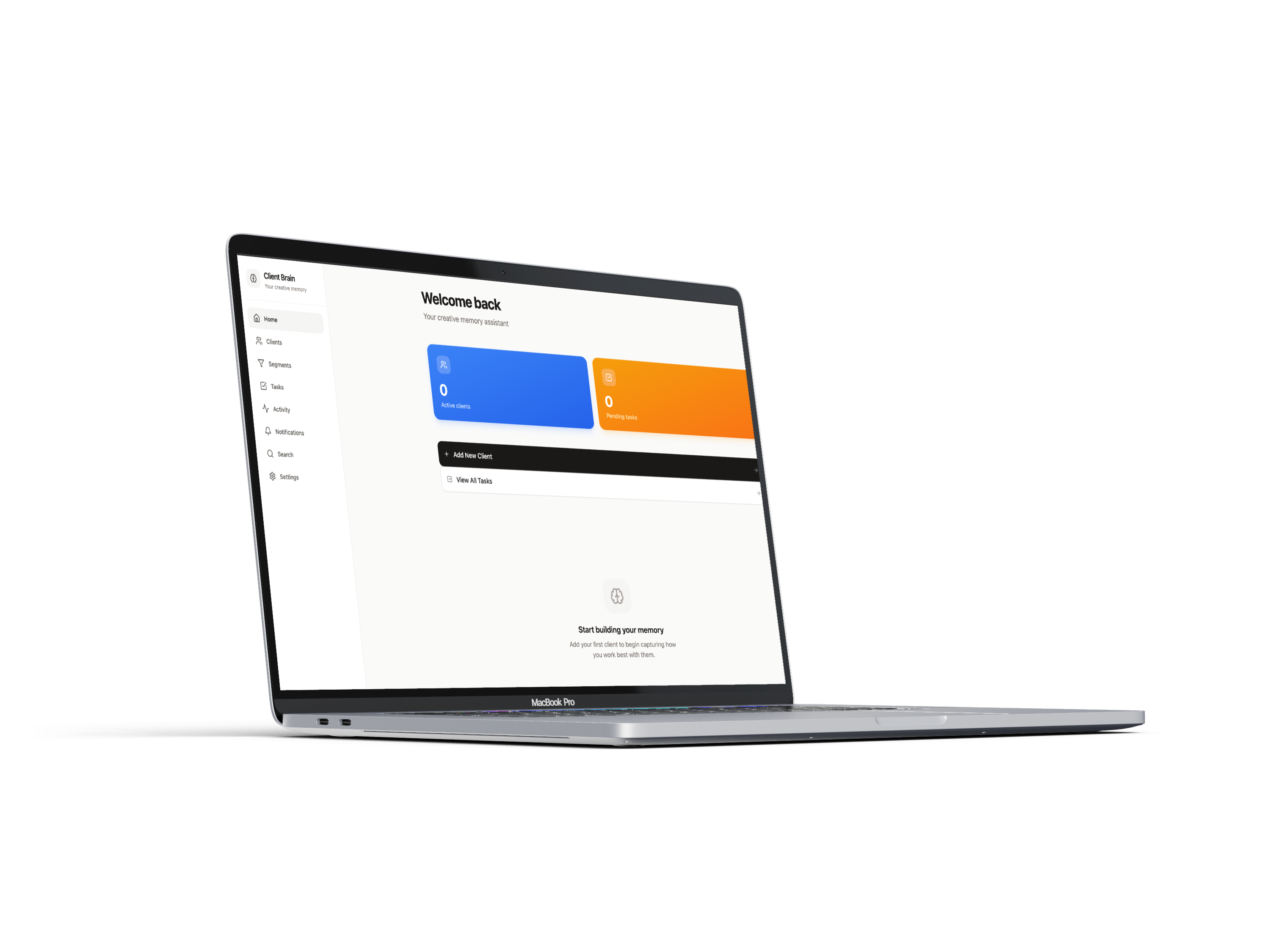
Tools Showcase ("Tools for a more creative workflow")
Espresso dark section with angled MacBook Pro mockup
Contact Section
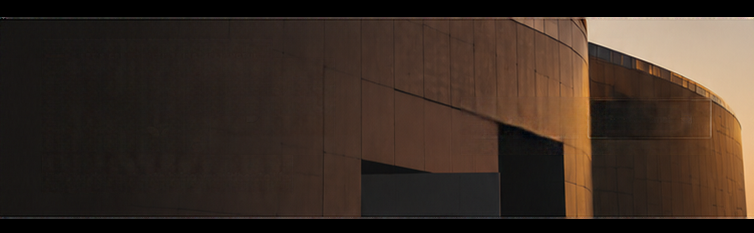
Manage call-to-action heading and architectural background
MyApps Catalog
Manage applications and digital tools showcased on the MyApps page
Add Custom Sections & Blocks
Choose from ready-made block templates to expand your pages
Client Testimonials
Quotes, client avatars, names and company affiliations.
Portfolio Projects Grid
Multi-column visual portfolio cards with image hover effects.
Client & Partner Logos
Monochrome brand logos of companies you've collaborated with.
FAQ Accordion
Interactive collapsible answers to common client questions.
Custom CTA Banner
High-impact banner with custom background, headline, and button.
Active Custom Sections
Manage, reorder, or toggle visibility of added blocks
No custom blocks added yet. Click one of the templates above to insert a new section!
Website Pages
Manage system pages and configure custom sub-pages
Site Identity & Global SEO
Configure website title, description, and social links

Social Links
Links used across the website footer
Change Password
Update your personal administrator login password
Team Administrators
Authorized accounts that can manage this website
Loading administrator accounts...
